


Most electric toothbrushes come with a limited manufacturer warranty that generally covers defects in materials and workmanship but excludes normal wear. Registering your device within the manufacturer’s window often speeds up claims and can extend coverage. Your first move should always be the same: register the product, photograph the serial number, and keep your proof of purchase somewhere safe.
TL;DR:
- Most electric toothbrush warranties cover manufacturing defects but exclude battery degradation, normal wear, and accidental damage, which are not considered manufacturer’s faults.
- Registering your device within 30 to 90 days after purchase can speed up claims and may extend coverage, so keep proof of purchase and serial photos readily accessible.
- Filing a warranty claim requires troubleshooting, then submitting photos, serial numbers, and proof of purchase; manufacturers often cover repair, replacement, or refund within a few weeks.
- Keeping detailed records from purchase, including receipts, serial numbers, and fault evidence, is essential for quick claims handling and avoiding delays.
- Extended warranties and third-party service plans add costs but usually do not cover battery wear; standard warranties are preferable and typically limited to one or two years.
Table of Contents
- What manufacturer warranties usually cover
- How and when to register your toothbrush
- The step-by-step process for filing a warranty claim
- Records to keep if you ever need to file a claim
- Battery life and wear and tear: what to expect
- Extended warranties and third-party service contracts explained
- Your consumer rights under FTC and Magnuson-Moss rules
- How Y-Brush handles registration and warranty support
- A quick checklist before you file a claim
- Where to register, buy, or get support from Y-Brush
- Sources
- FAQ
What manufacturer warranties usually cover
A manufacturer warranty generally protects against a manufacturing defect, meaning the toothbrush failed because of how it was built, not how it was used. Normal wear and tear, including a battery that holds less charge over time, typically falls outside that protection. Reading the warranty document before you buy, a practice the Federal Trade Commission recommends, helps you know exactly what you’re covered for.
Common exclusions appear across most brands:
- Battery capacity loss from age or repeated charging cycles
- Accidental damage, including drops or water intrusion beyond the rated seal
- Cosmetic wear like scratches or discoloration
- Damage from unauthorized repairs or third-party parts
When a defect is confirmed, manufacturers typically choose between repairing the unit, replacing it, or issuing a refund. The written warranty usually spells out which remedy applies and any time limits tied to it.
How and when to register your toothbrush
Registration is usually the fastest way to unlock smoother claims later, and manufacturer support pages generally list a window, often between 30 and 90 days after purchase, during which registering can extend coverage or speed up processing.
- Locate the manufacturer’s registration page, usually linked from the product packaging or support site.
- Gather your receipt, the serial and model numbers, the purchase date, and the retailer name.
- Submit the registration form and save the confirmation email.
- Photograph the serial number sticker on the handle before it fades or wears off.
- Store the confirmation and photo together, ideally in a cloud folder you can access from any device.
Skipping registration doesn’t always void your warranty, but it can slow down a claim if the manufacturer needs extra verification.
The step-by-step process for filing a warranty claim
Before contacting support, run through a short troubleshooting checklist.
If the problem persists, prepare your claim:
- Take clear photos or a short video showing the fault
- Have your serial number and model name ready
- Write a short, specific description of when the problem started
- Attach your receipt or order confirmation
Most manufacturers ask you to submit this information through an online form or email before issuing a shipping label. Many warranties cover return shipping for confirmed defects, though policies vary, so check the specific terms before mailing anything. Turnaround for repair or replacement commonly takes one to several weeks depending on the manufacturer’s process and whether a replacement unit is in stock.
The manufacturer typically decides whether to repair, replace, or refund based on the defect type and product age. Keep every email and tracking number until the case closes.
Pro Tip: Take a photo of the shipping label and tracking number before you drop off the package, in case the tracking information is lost in transit.
Records to keep if you ever need to file a claim
A strong claim usually comes down to having the right documents ready. Keep these together from the day you buy the toothbrush:
- Order confirmation email or physical receipt
- Serial and model numbers, photographed clearly
- Photos or a short video showing the exact fault
- The original box or packaging, if you still have it
Photograph the serial number against a plain background with good lighting so every digit is legible. If you’ve lost your receipt, check your retailer account order history, your email inbox for a confirmation, or your bank or credit card statement for the transaction date and amount. Any of these can often substitute for a physical receipt.
Battery life and wear and tear: what to expect

Batteries are the part most likely to wear out on any electric toothbrush, and that decline is generally treated as normal wear rather than a defect. If your toothbrush doesn’t hold a charge after a year or two of daily use, that’s usually the battery aging, not a manufacturing flaw.
Signs pointing to a genuine battery failure, versus a charging port or software issue, include a handle that won’t power on even when plugged in directly, or one that loses charge within minutes of being removed from the base.
- Avoid leaving the toothbrush on the charger continuously for weeks at a time
- Store it in a cool, dry spot rather than a humid bathroom cabinet
- Charge fully before first use and periodically after that
Battery degradation is widely considered the main factor limiting how long an electric toothbrush handle lasts, which is why most warranties treat it as expected wear rather than a covered defect. For more on extending battery life, see our guide on electric toothbrush battery longevity and our tips on optimal charging habits.
Extended warranties and third-party service contracts explained
A manufacturer’s written warranty is free and included with your purchase. An extended warranty or third-party service contract is a separate, paid add-on, usually sold at checkout or by a third-party provider.
Extended plans often add accidental damage coverage or extend the term by a year or two, but they frequently come with pro-rated payouts, deductibles, or exclusions that shrink their value over time.
- Compare the plan’s cost against the toothbrush’s price before buying one
- Check whether the plan covers battery degradation, since most do not
- Read the fine print on pro-rated refunds if the device fails late in the term
Consumer Reports notes that for small electronics like toothbrushes, a solid manufacturer warranty paired with a clear return or trial period often protects buyers better than a costly extended contract.
Your consumer rights under FTC and Magnuson-Moss rules
Federal rules set a floor under every warranty you’ll encounter. The FTC’s warranty guidance states that warranties must be readable before you buy, and if a defect is reported while the warranty is active, the manufacturer must still fix it even if the written term expires before the repair is finished.
The Magnuson-Moss disclosure rules require warranties to clearly state their coverage, contact information, and the remedies available, whether that’s repair, replacement, or refund.
If a defect is reported during the warranty period and not fixed, the manufacturer must correct the issue even if the written warranty expires before final resolution.
If a claim gets denied unfairly, escalate in order:
- Contact the seller first, then the manufacturer directly
- File a complaint with your state consumer protection office if unresolved
- Report the case to the FTC with your documentation attached
How Y-Brush handles registration and warranty support
Y-Brush backs its toothbrushes with a subscription-based lifetime warranty, tying ongoing coverage to an active subscription plan rather than a fixed one-time term. Customers register their device through their account and open a support case the same way: with their order confirmation, serial number, and a clear description of the issue ready to go.
Because replacement brush heads ship on a recurring schedule under each plan, most ownership issues get resolved through the account customers already manage for refills, without a separate registration step to remember.
A quick checklist before you file a claim
Try the basics first: reset the device, fully charge it, and clean the contacts. Then check whether you’re still inside your registration or warranty window. If the fault is confirmed and documented, a straightforward repair or replacement claim usually makes more sense than paying out of pocket.
Pro Tip: Avoid leaving your toothbrush on the charger nonstop. It’s a simple habit that helps the battery last longer and keeps you out of gray-area claims later.
— Joris
Where to register, buy, or get support from Y-Brush
Owning a toothbrush shouldn’t mean tracking down warranty paperwork every time something feels off. Y-Brush’s subscription plans keep replacement heads arriving automatically and tie your warranty support to the same account, so there’s one place to check instead of several.
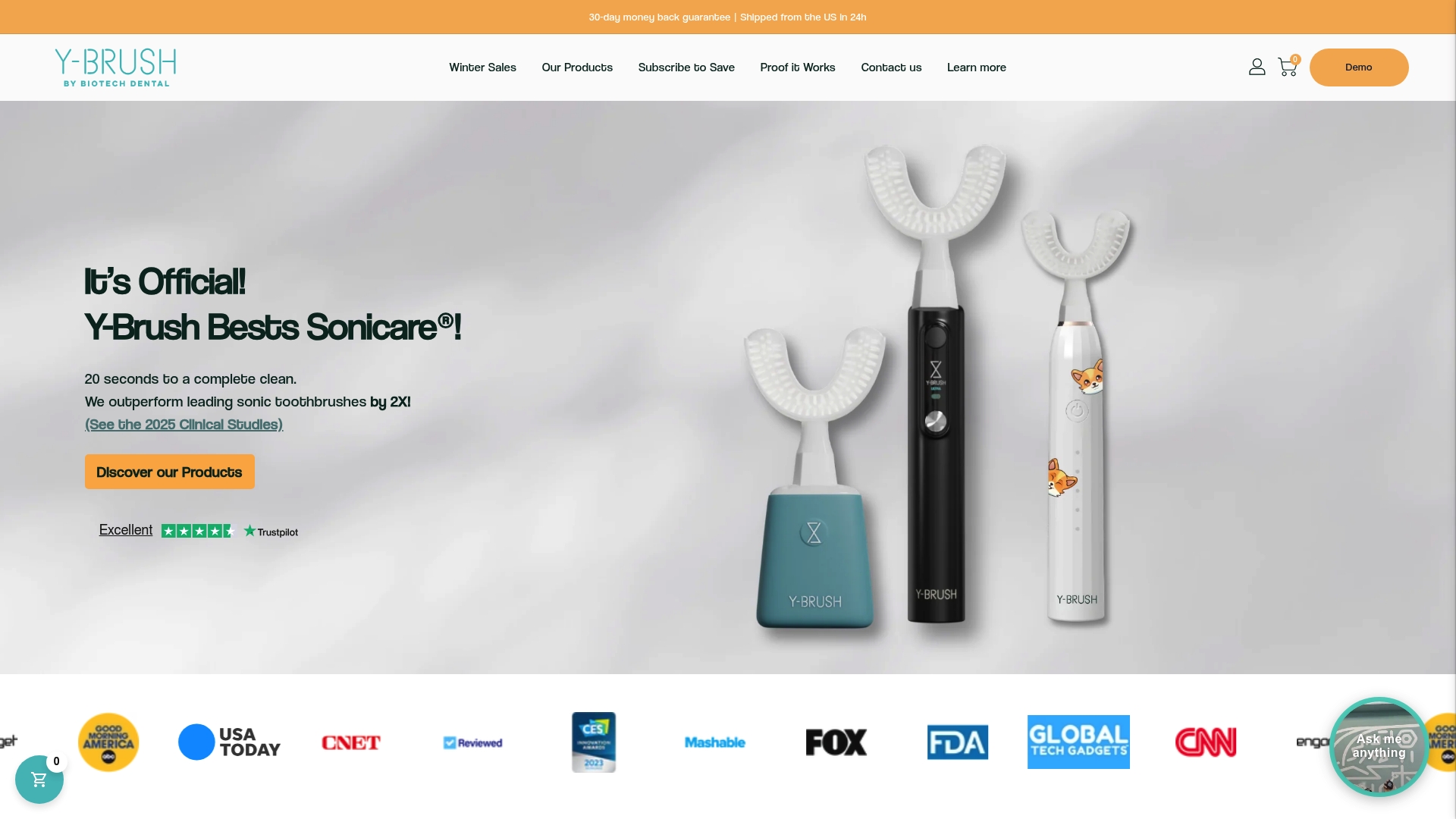
If you’re comparing options like Y-Brush against other electric brushes, our Core Plan, Pro Plan, and Pro+2 Plan each include the subscription-based lifetime warranty, with replacement heads and support handled through the same account. Browse the full lineup, including brush heads for other brands, on our product collection page to find the plan that fits your routine.
Sources
- Warranties | Consumer Advice
- PART 701—DISCLOSURE OF WRITTEN CONSUMER PRODUCT WARRANTY TERMS AND CONDITIONS
- Electric Toothbrush Buying Guide - Consumer Reports
FAQ
How many years do electric toothbrushes last?
Most electric toothbrush handles last a few years before battery wear becomes noticeable, since batteries degrade with age and use rather than failing suddenly. Regular charging habits and proper storage can help slow that decline.
How do I claim an electric toothbrush warranty?
Start by troubleshooting the issue, then contact the manufacturer’s support team with your serial number, receipt, and photos or video of the fault. Most manufacturers will confirm the defect and choose to repair, replace, or refund the product based on their warranty terms.
What should you do if your electric toothbrush stops working?
First, try a reset, a full charge, and cleaning the charging contacts, since these fix many common issues. If the toothbrush still won’t work, gather your proof of purchase and serial number and file a claim with the manufacturer’s support team.
Does an electric toothbrush have a lifetime warranty?
Standard manufacturer warranties are almost never lifetime; they typically run one to two years and exclude normal wear like battery decline. Y-Brush offers a subscription-based lifetime warranty tied to an active plan, which works differently from a traditional fixed-term warranty.


